
Mobile Made for Maintenance
Trico Companion Mobile App
The App is more than logging, it’s the universal companion for the Sensei System. Pair Sensei Devices, capture oil samples, record maintenance activities, and sync data even offline. Every action is time-stamped, tagged, and seamlessly connected to the Sensei Web App for a complete picture of asset health.


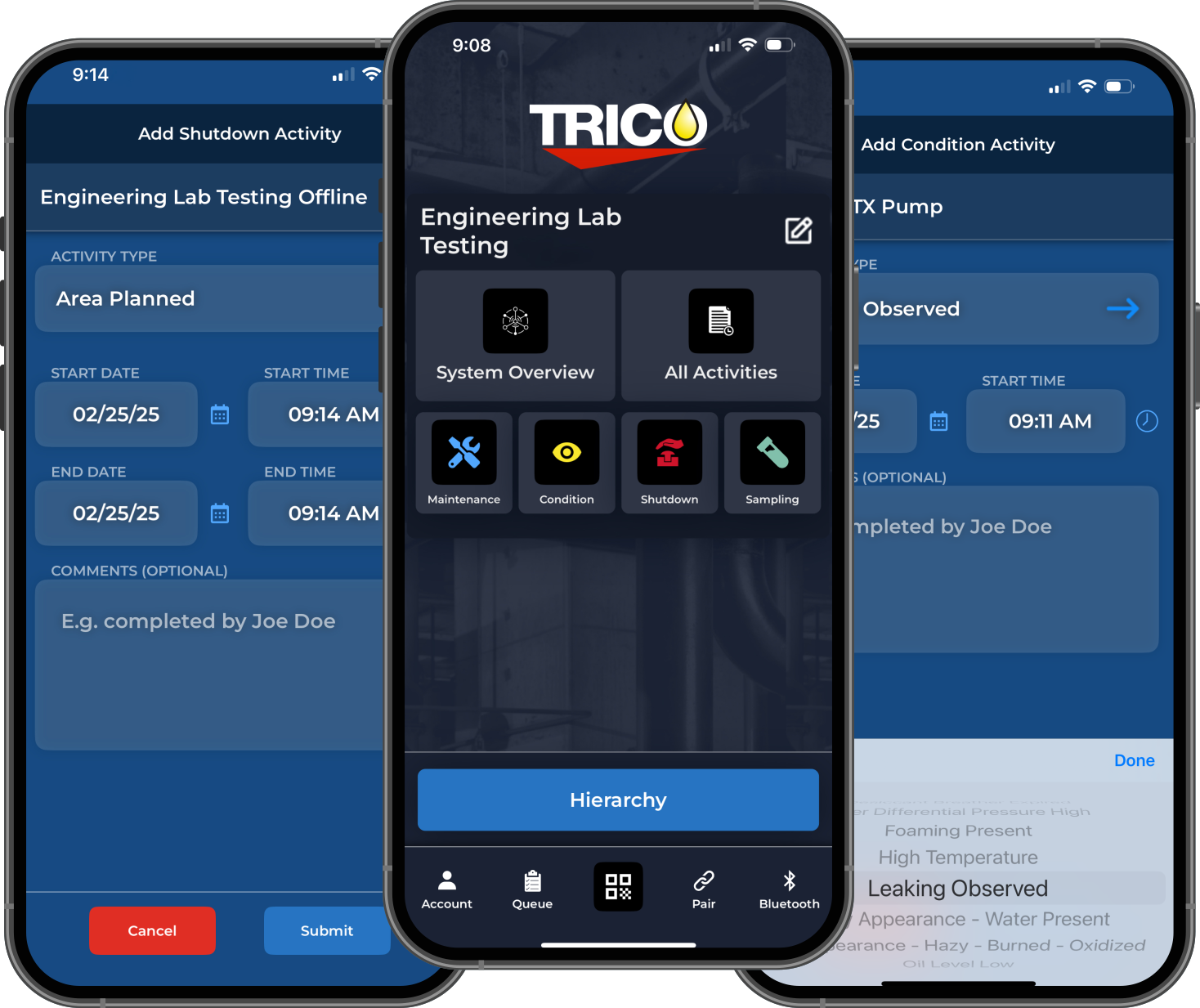
Pair Devices. Build Profiles. Capture Context. All In One Session.
The Trico Mobile App gives technicians everything they need right at the asset, no desktop required.
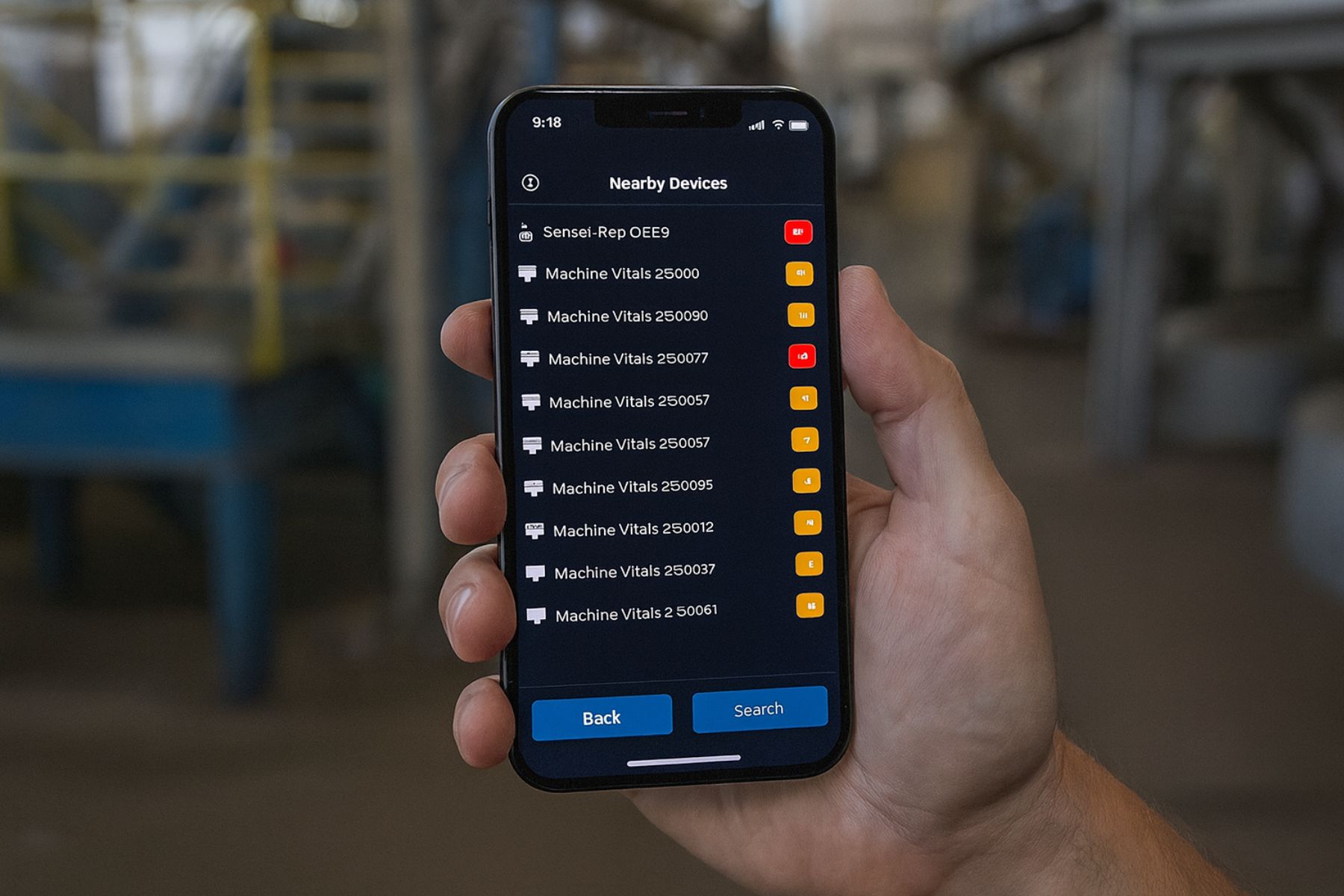
Just open the Trico Companion Mobile App near your asset, Sensei Devices appear automatically. Tap the appropriate device to connect and assign it to the specific asset in the Sensei System.
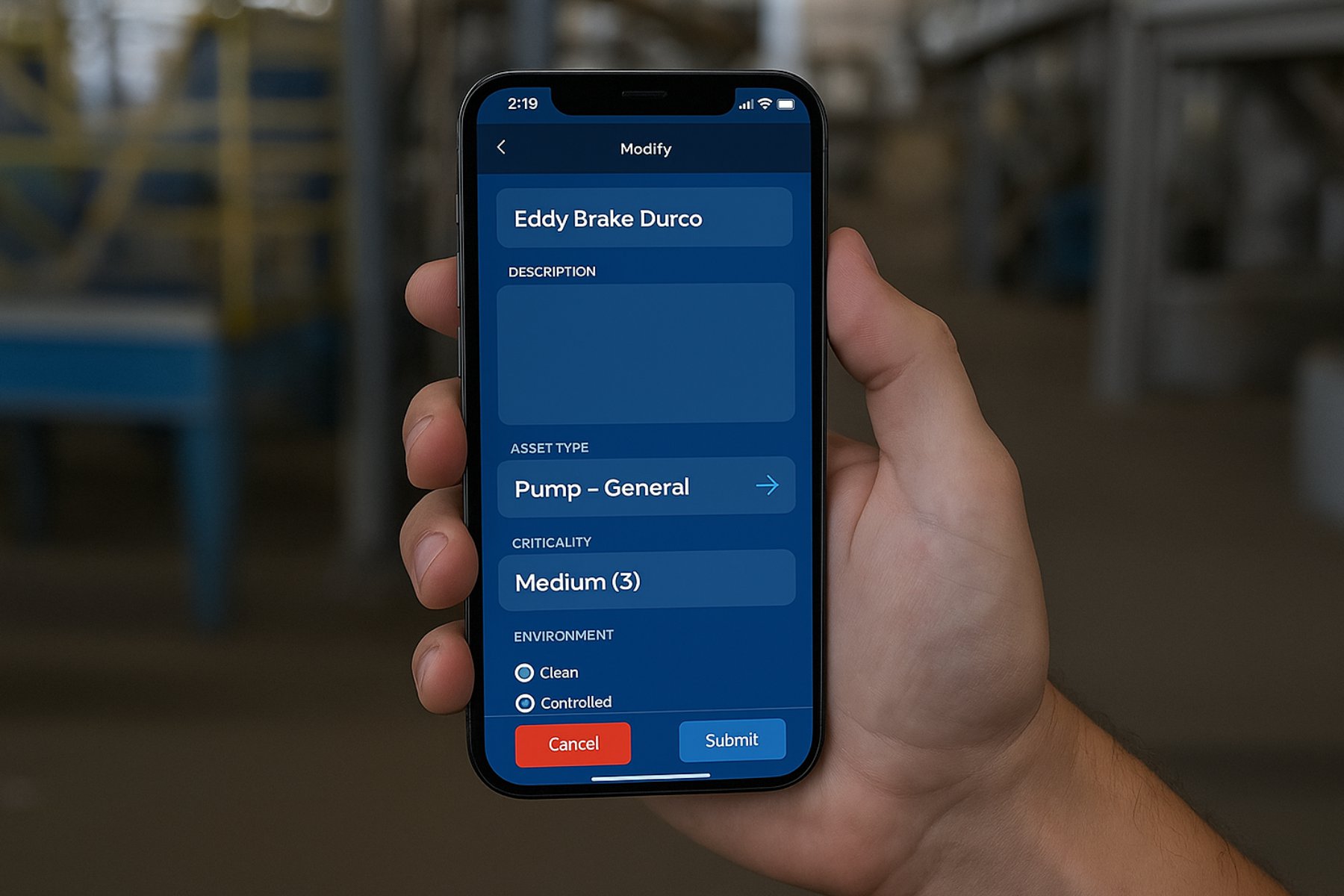
Once paired, easily enter or update key asset details such as name, location, equipment type, and operating parameters. This ensures every device is tied to accurate, up-to-date asset information for reliable tracking and analysis.
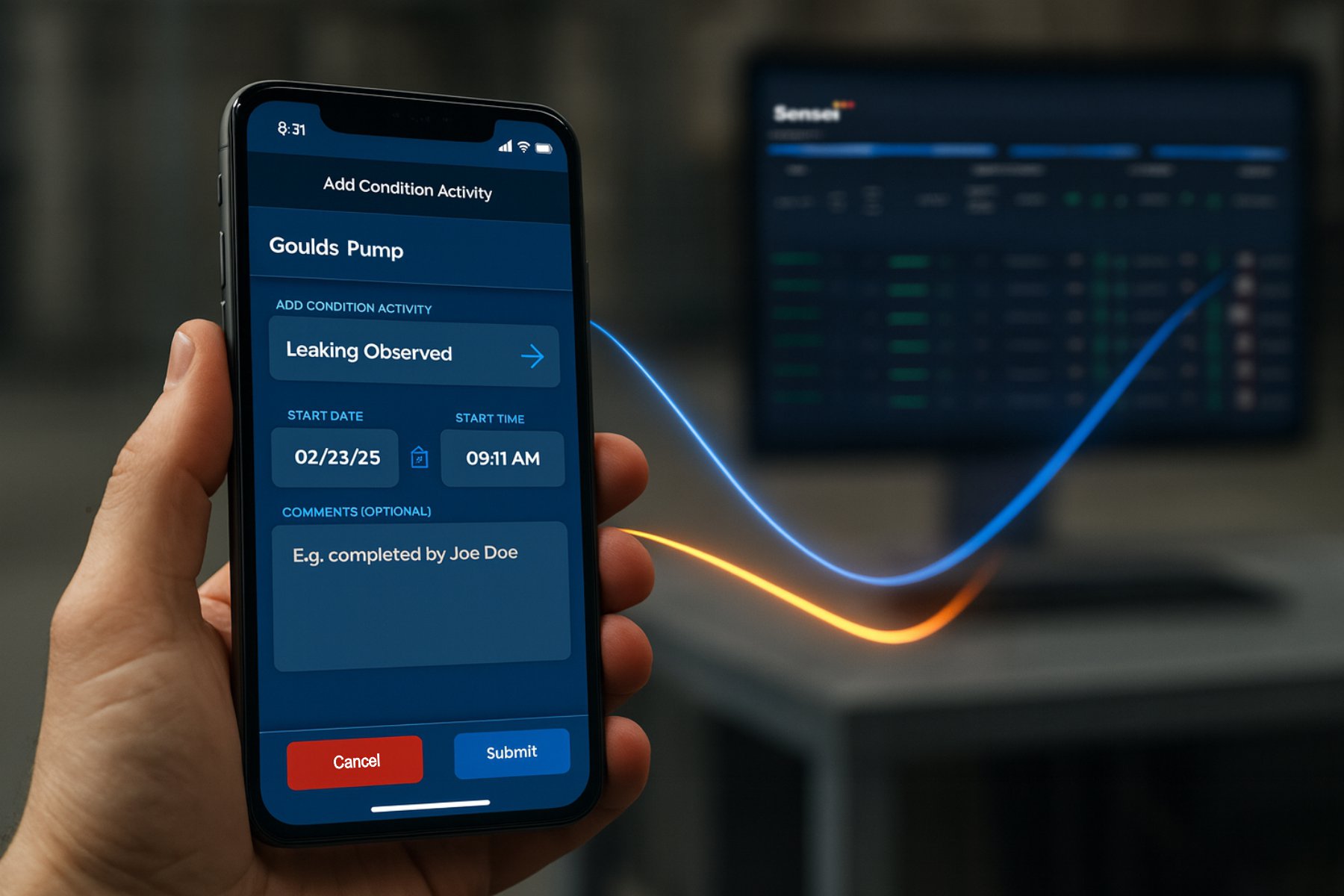
All captured data, provisioned devices, asset profiles, and recorded conditions flows seamlessly to the Sensei Web App. Within seconds, it’s merged with live analytics from connected devices for a complete and consistent view of asset health.
Trust Your Senses. Log What You See.
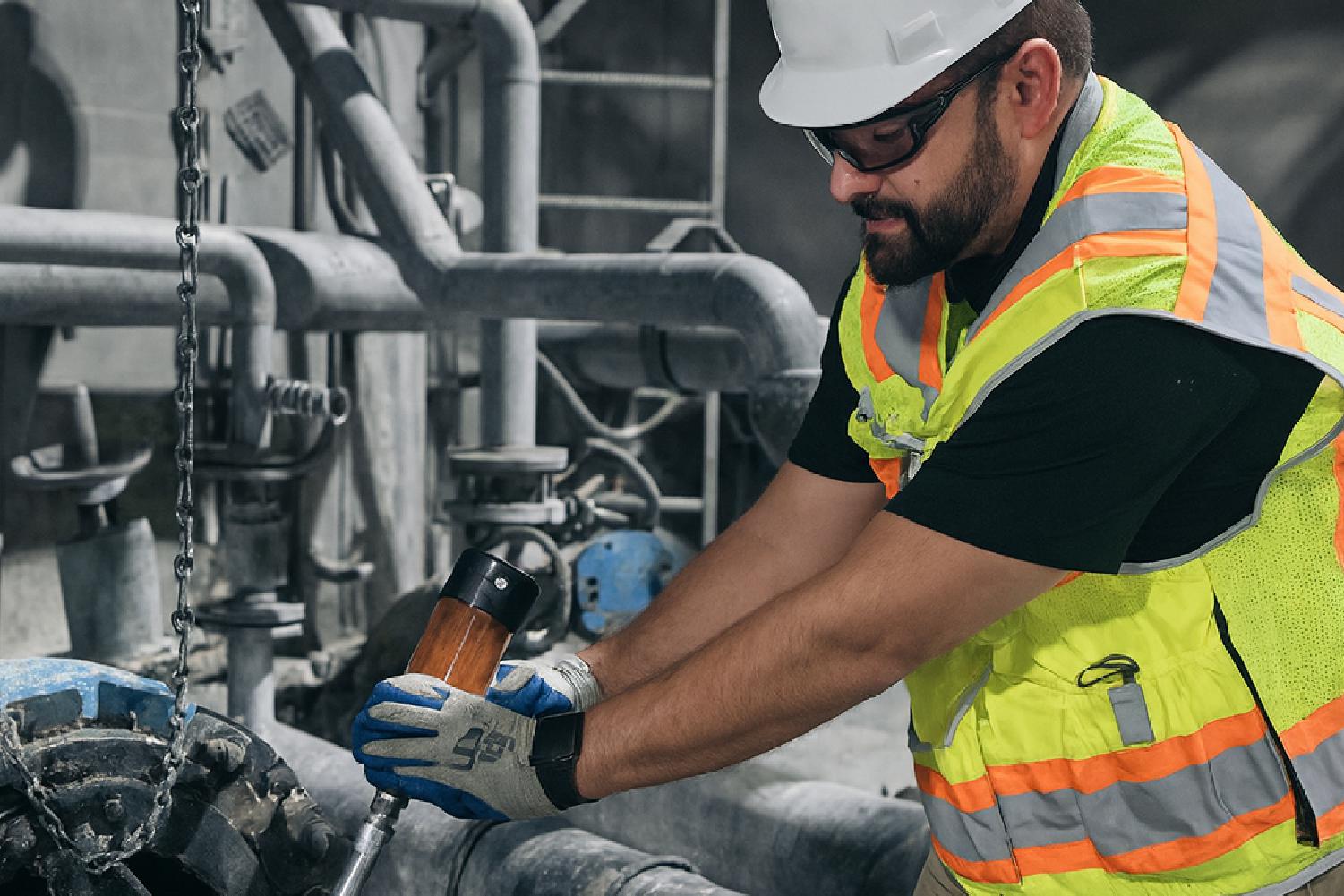
Leaking housing? Low oil level? These field observations are key to telling an asset’s story. The Trico Mobile App lets you record them instantly so they’re never lost in memory or on paper.




Every Action. Every Detail.
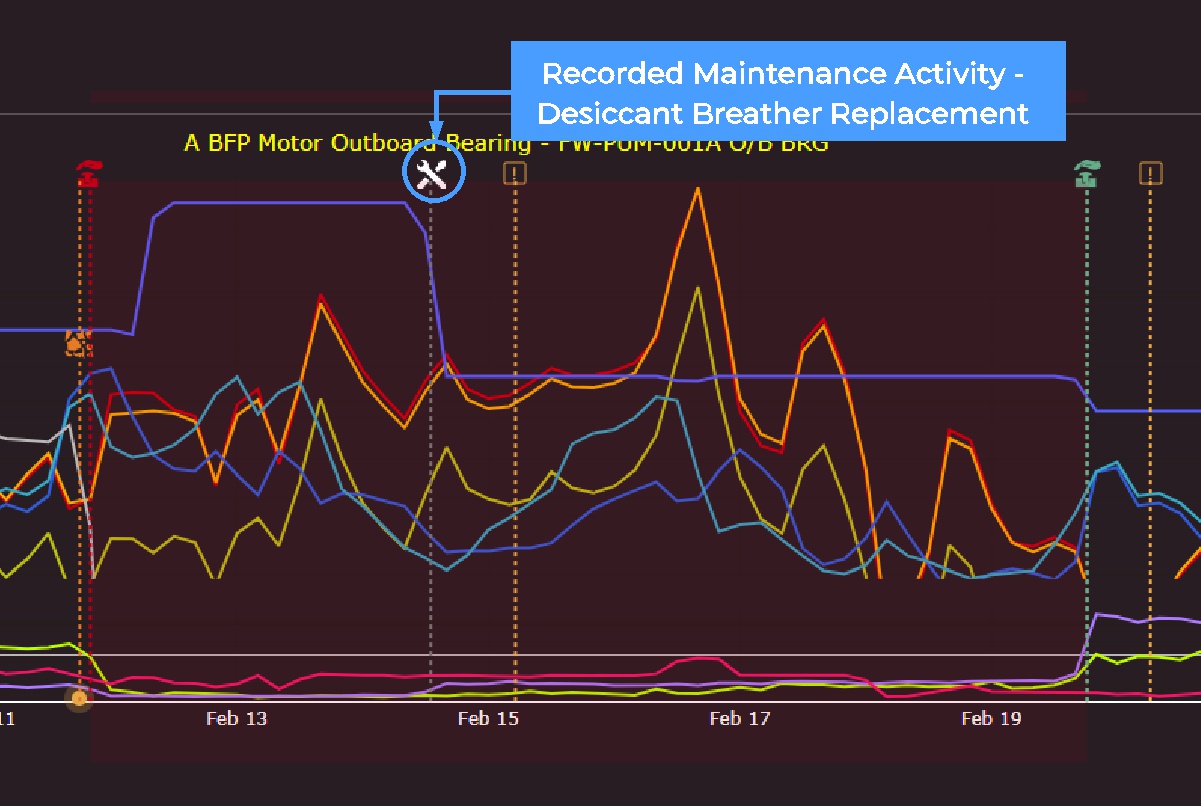
Every task is logged with timestamp, technician, and asset info for a complete digital history:
- Bleed and feed operations
- Desiccant breather changes
- Filter replacements
- Oil changes and overhaul
- And more
One App. Total Control.
From Bottle To Lab. No Paperwork.
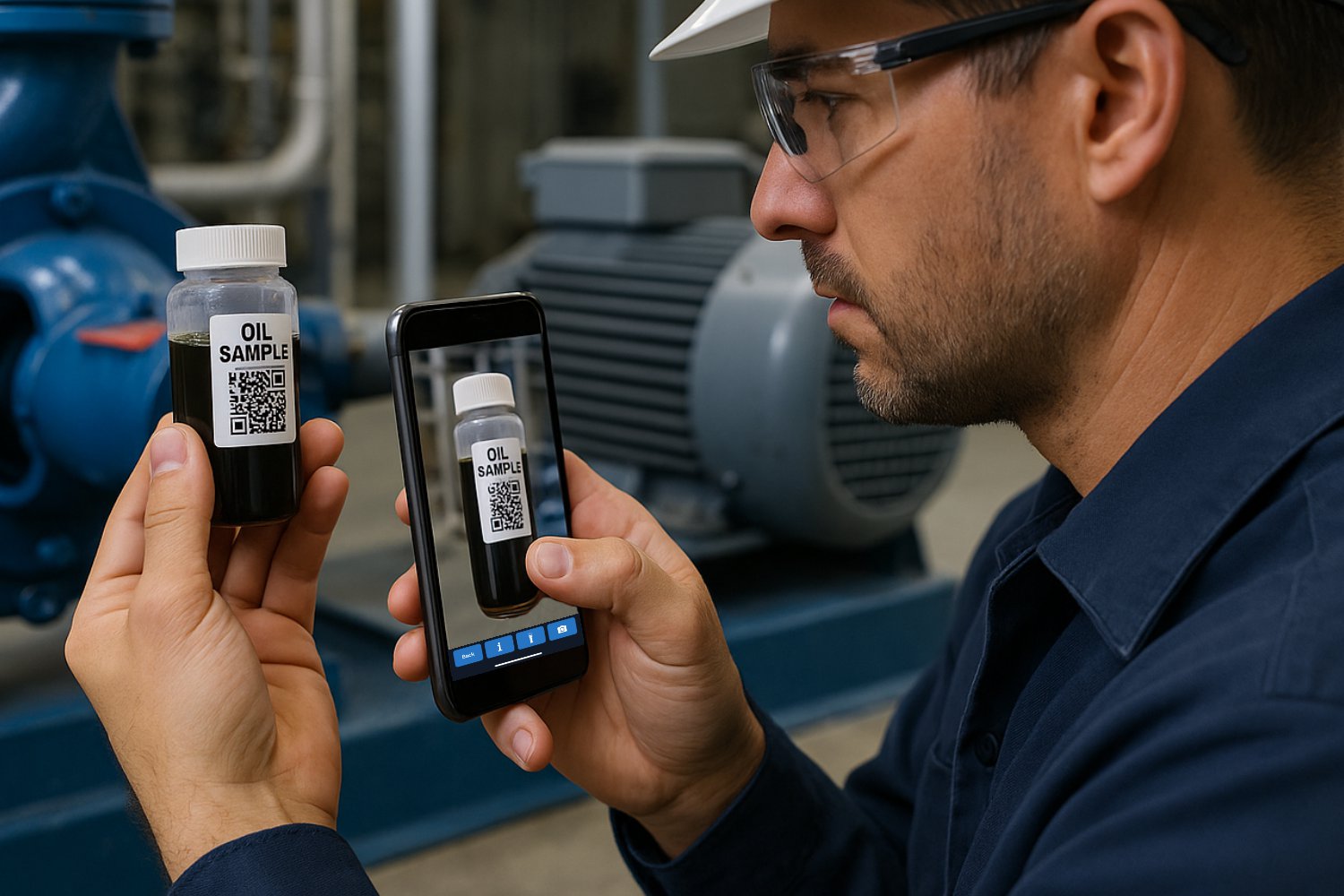
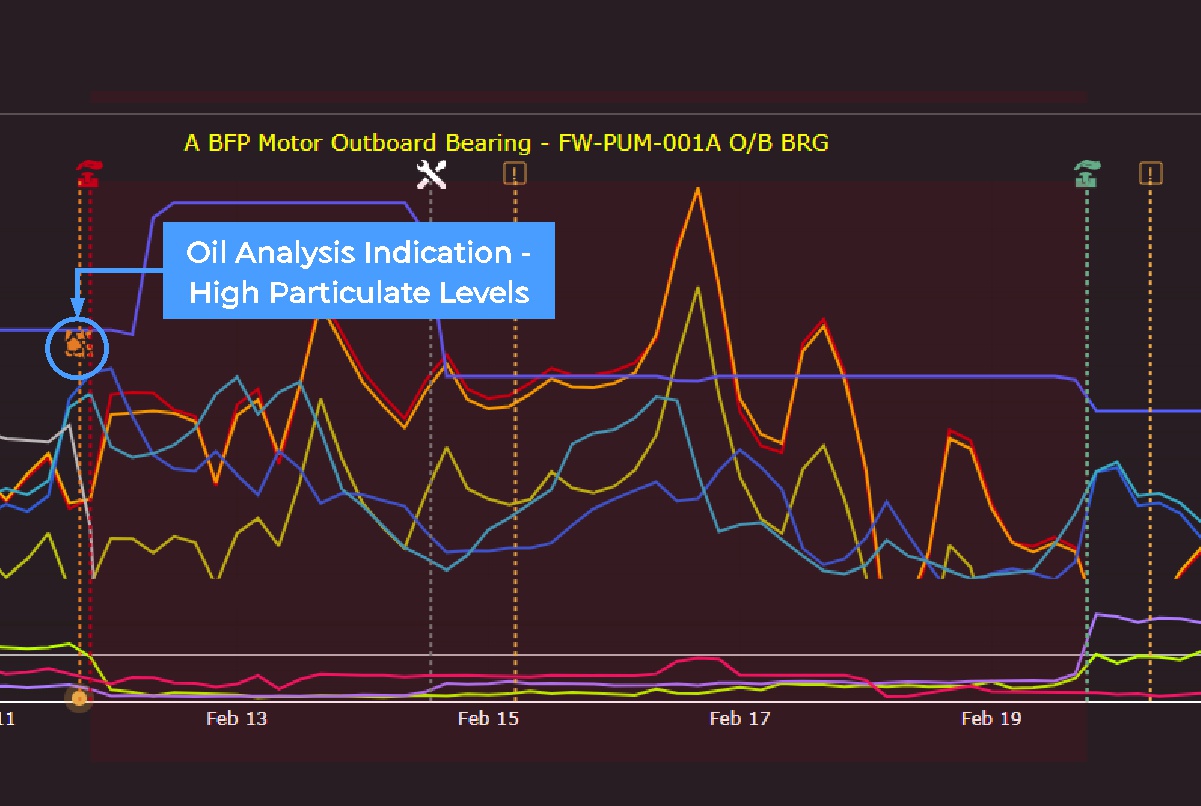
If you’re an Oil Analysis customer, record and submit oil sample details straight from the field. The app sends all info to our lab, linking results to the asset’s maintenance and condition history within Orbital and in the Sensei Web App if you are using Sensei Devices.
One System. Total Insights.
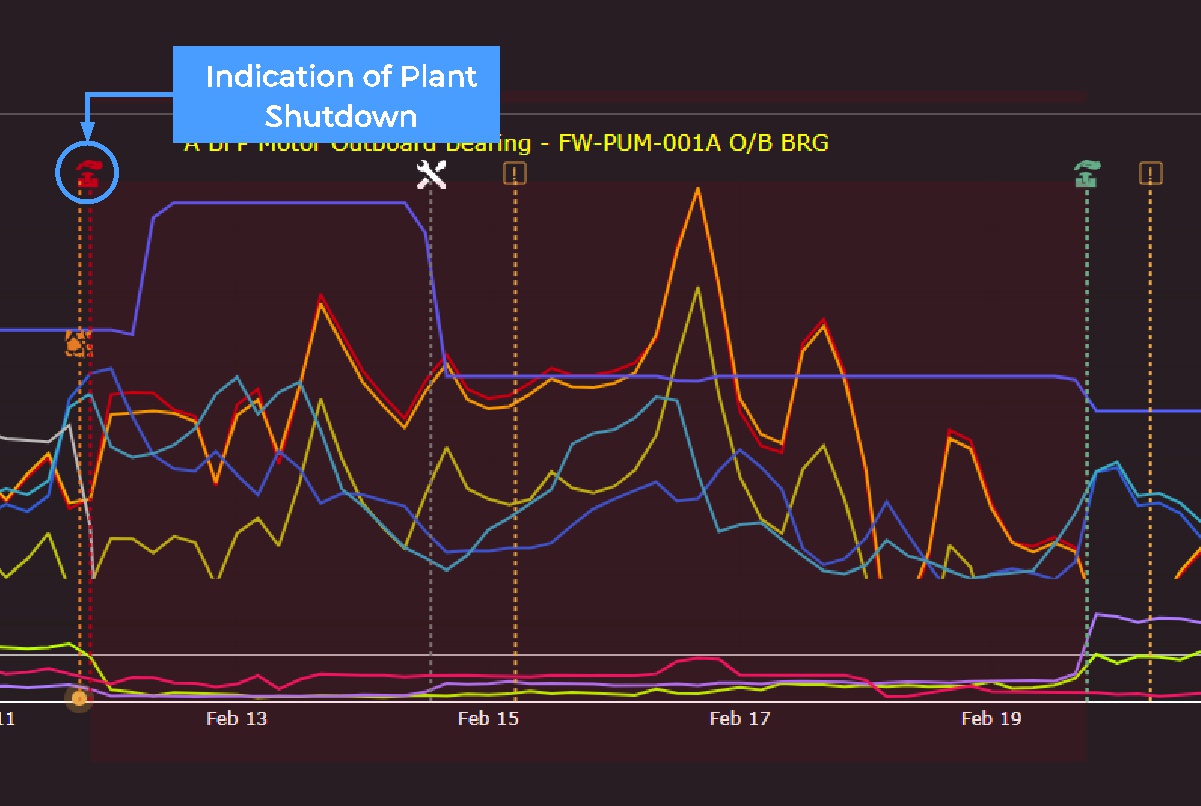
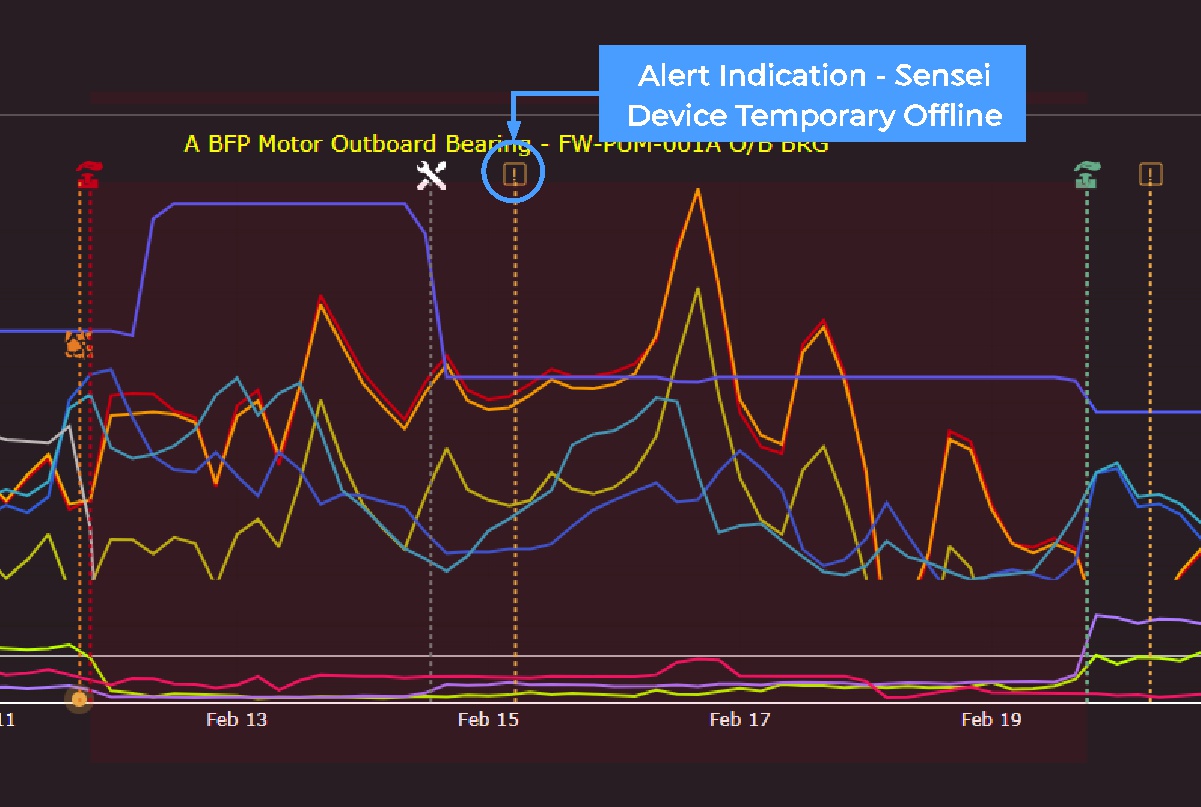
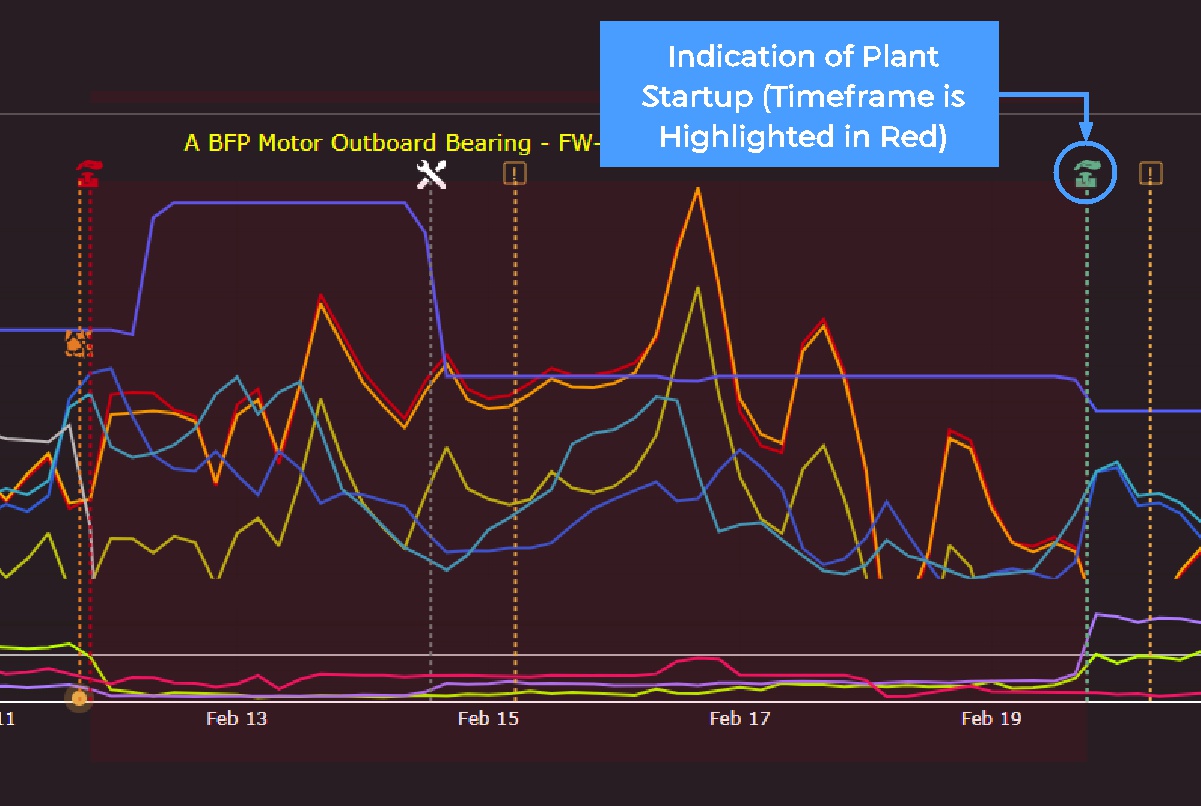
All mobile app data, device provisioning, profiles, conditions, maintenance, and oil sampling syncs with the Sensei Web App. Combined with live Sensei Device data, they provide a complete asset health record.
No Data Left Behind
No Internet Connection? No Problem.
The app works offline as a virtual gateway for Sensei Devices. Even without connectivity, all data is stored locally and synced to the Sensei Web App once a connection is available ensuring nothing is lost.